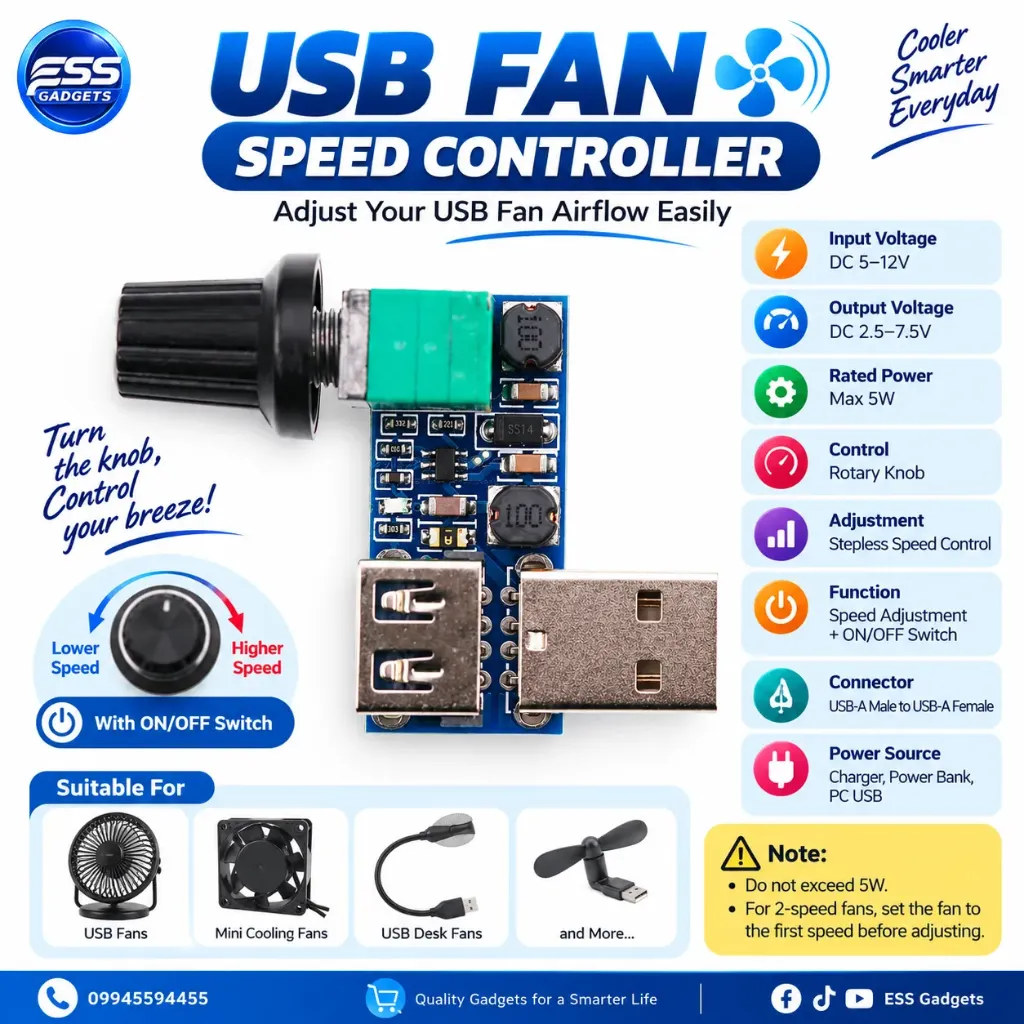
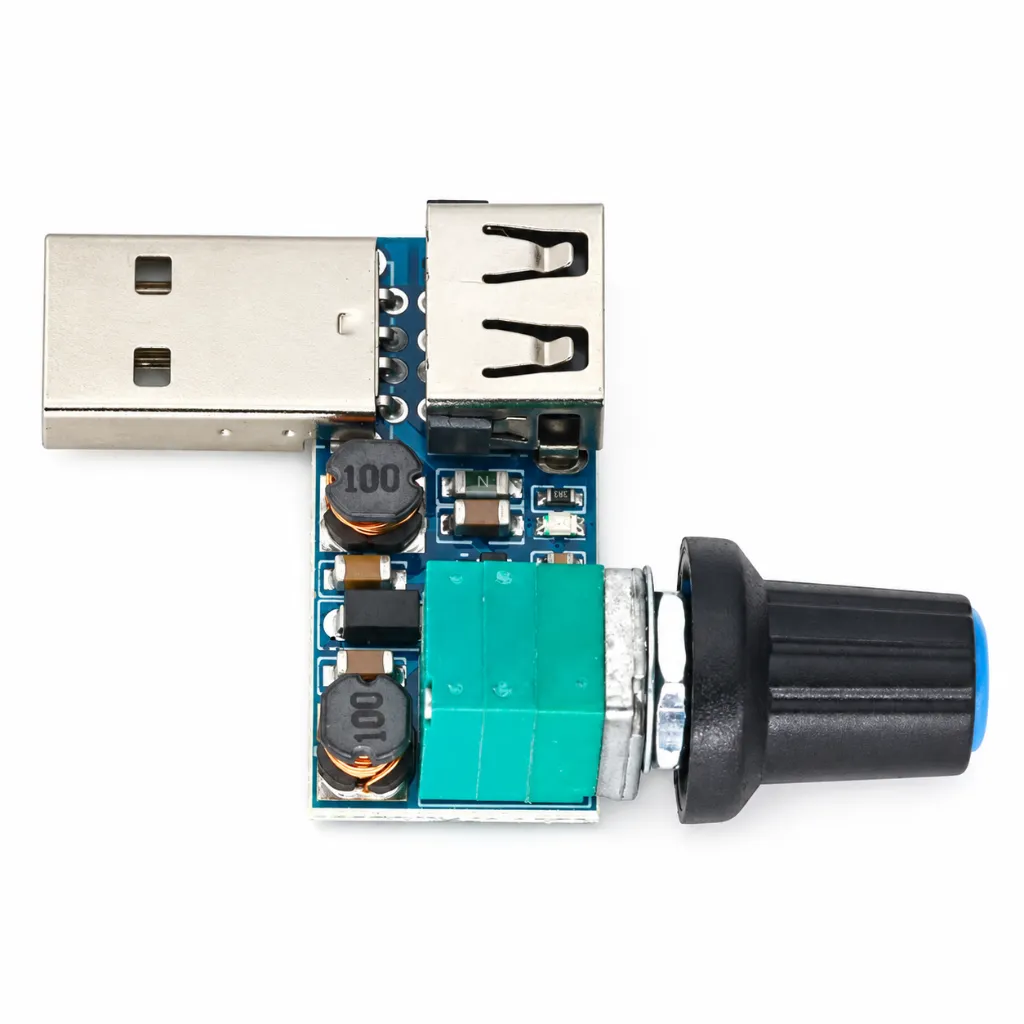
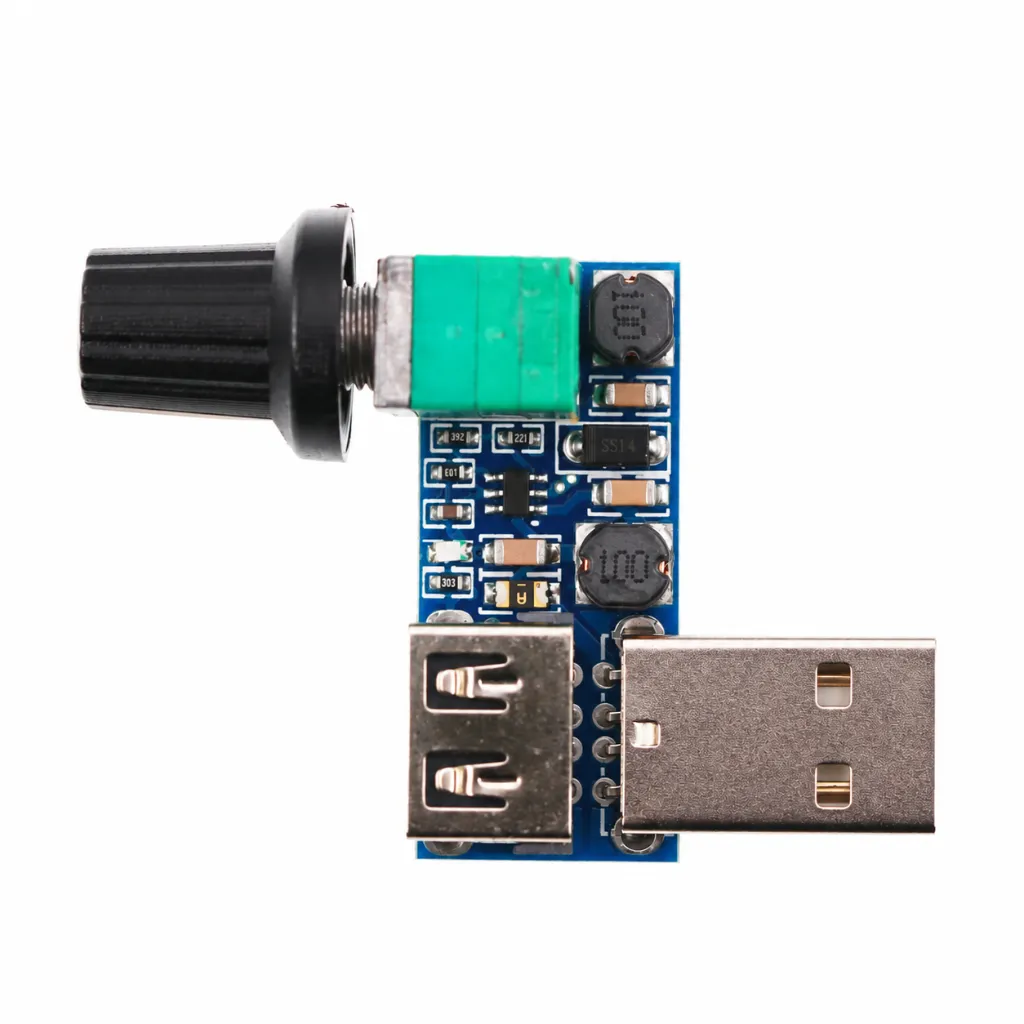
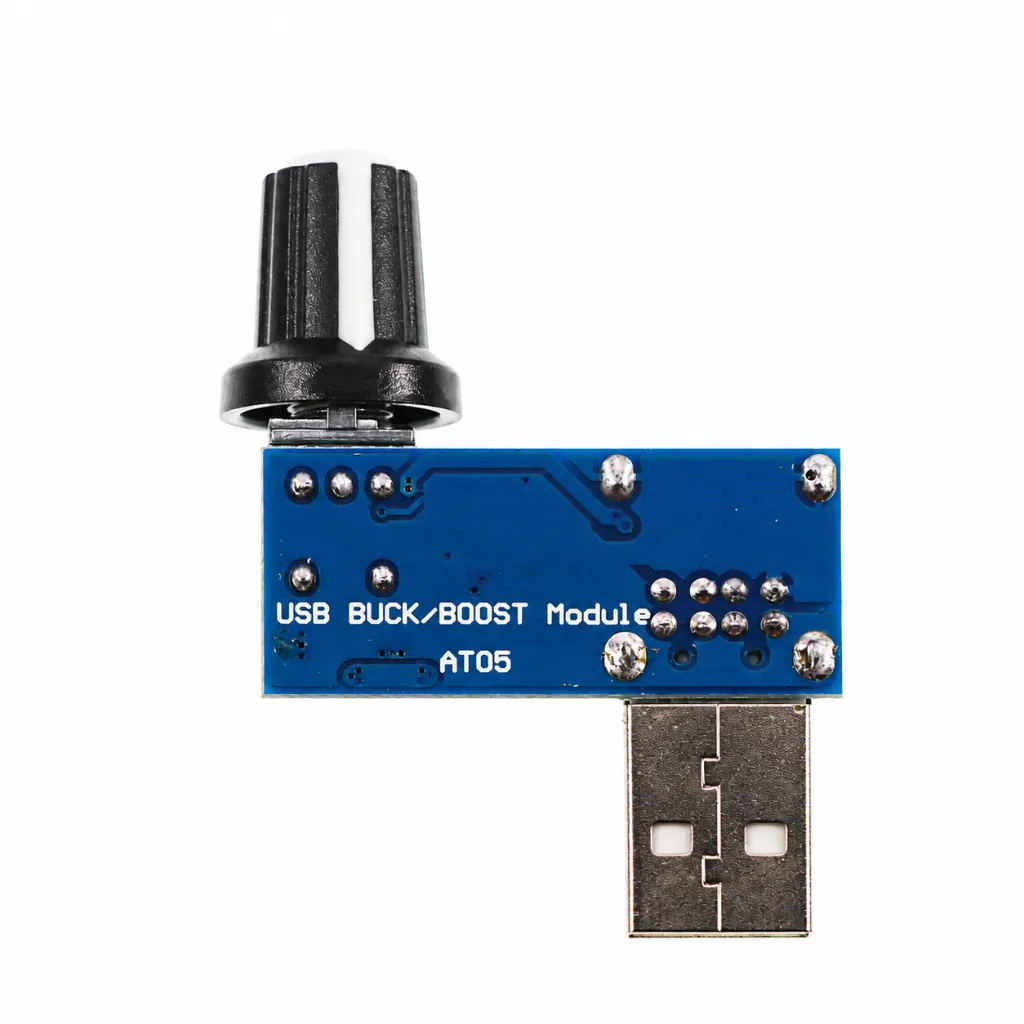
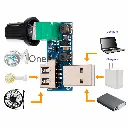
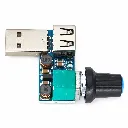
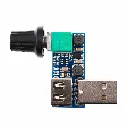
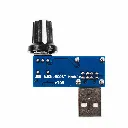
USB Fan သုံးတဲ့အခါ **လေအားအရမ်းပြင်းတာ၊ အရမ်းပျော့တာ** မကြိုက်ဘူးဆိုရင် ဒီ **USB Fan Speed Controller** လေးနဲ့ လေအားကို ကိုယ်လိုချင်သလို ချိန်ညှိအသုံးပြုနိုင်ပါတယ်။ ရုံးခန်း၊ အိပ်ခန်း၊ ကျောင်းဆောင်နဲ့ စားပွဲတင် USB Fan တွေအတွက် အသုံးဝင်တဲ့ Mini Controller လေးပါ။
🔹 **Stepless Speed Adjustment**
အဆင့်လိုက်ပဲ ရွေးရတာမဟုတ်ဘဲ Knob ကိုလှည့်ပြီး Fan လေအားကို အနည်းကနေ အများအထိ လိုသလို ချိန်ညှိနိုင်ပါတယ်။
🔹 **Knob + Switch Function**
Knob ကို **Clockwise** လှည့်ရင် Output Voltage တိုးလာပြီး Fan လေအား ပိုပြင်းလာပါမယ်။ **Counter-clockwise** လှည့်ရင် လေအားလျော့သွားပါတယ်။ Knob မှာ ON/OFF Switch Function လည်း ပါဝင်ပါတယ်။
🔹 **အလုပ်လုပ်ပုံ**
ပုံမှန် 5V USB Fan တွေက USB 5V Power ကို Motor ဆီ တိုက်ရိုက်ပေးတာဖြစ်လို့ Speed ကို ချိန်ညှိလို့မရပါဘူး။ ဒီ Controller ကတော့ **Output Voltage ကို ချိန်ညှိပေးခြင်းဖြင့် Fan Motor Speed နဲ့ Airflow ကို ပြောင်းလဲပေးတာ** ဖြစ်ပါတယ်။
⚙️ **Specification**
• Power Input: **DC 5–12V**
• Output Voltage: **DC 2.5–7.5V ခန့်**
• Rated Power: **5W Max**
• Adjustment: **Rotary Knob / Stepless**
• Connector: **USB-A Male → USB-A Female**
• Function: **Speed Control + ON/OFF**
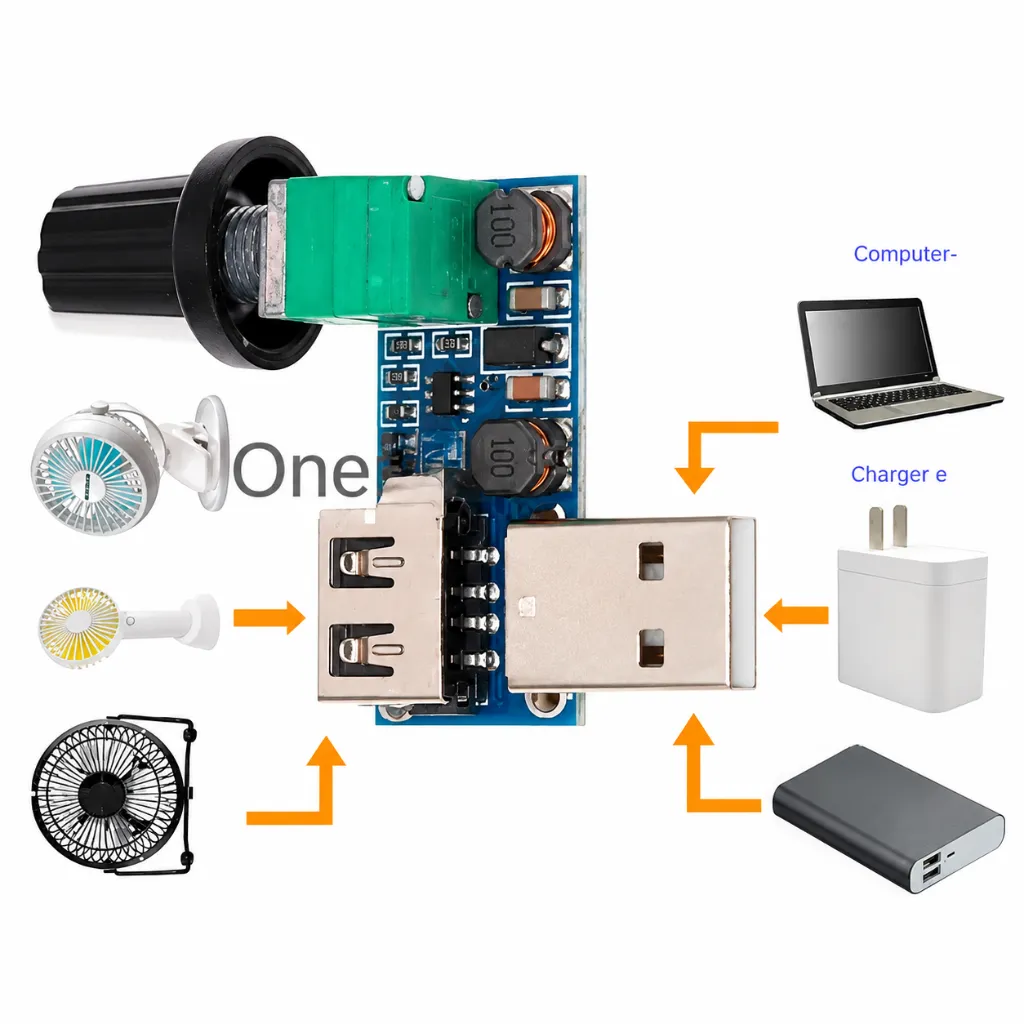
🔌 **အသုံးပြုပုံလည်း လွယ်ကူပါတယ်။** Controller ရဲ့ USB Male ကို Phone Charger, Power Bank သို့မဟုတ် Computer USB Port မှာ တပ်ပါ။ ပြီးရင် USB Fan ကို Controller ရဲ့ USB Female Port မှာ ချိတ်ပြီး Knob လှည့်ကာ လိုချင်တဲ့ လေအားကို ချိန်ညှိနိုင်ပါတယ်။
💡 **ဘယ်နေရာတွေမှာ အသုံးဝင်လဲ?**
USB Desk Fan, Mini Cooling Fan, DIY Cooling Project နဲ့ USB Powered Fan အမျိုးအစားတွေမှာ အသုံးပြုနိုင်ပါတယ်။ လေအားလျှော့သုံးနိုင်တာကြောင့် တိတ်တိတ်ဆိတ်ဆိတ် အသုံးပြုချင်တဲ့အချိန်တွေမှာလည်း အဆင်ပြေပါတယ်။
⚠️ **သတိပြုရန်**
Controller ရဲ့ Rated Power **5W ထက် မကျော်အောင်** အသုံးပြုပါ။ Two-Speed USB Fan နဲ့ အသုံးပြုမယ်ဆိုရင် Fan ကို **ပထမ Speed အဆင့်** ထားပြီး Controller ကနေ ချိန်ညှိတာ ပိုသင့်တော်ပါတယ်။ Fan ရဲ့ Voltage/Power Specification ကိုလည်း မချိတ်ဆက်မီ စစ်ဆေးပေးပါ။